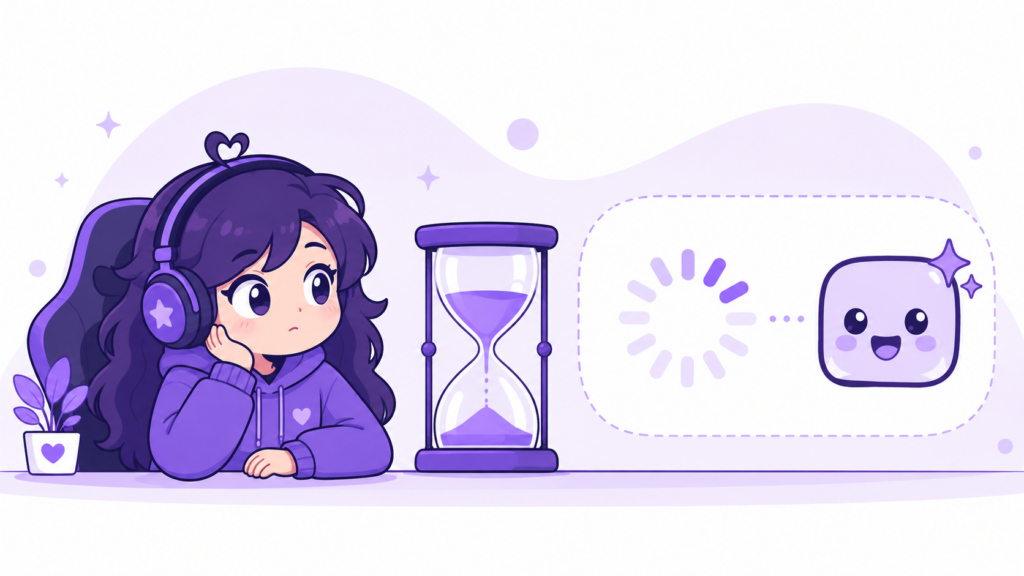
Twitch typically approves new emotes within 1 to 3 business days, though it can take up to a week during high-traffic periods like major game launches or platform-wide events. There’s no official guaranteed turnaround time, and approval speed depends on your channel’s review queue priority, current submission volume, and whether your emote follows Twitch’s content guidelines on the first try.
If you’re staring at a “pending review” status right now, here’s what actually determines that wait — and how to avoid the most common reason emotes get sent back for revisions.
Twitch Emote Approval Time: Quick Answer
- Typical wait: 1-3 business days for most Affiliate and Partner channels
- Peak periods: up to 5-7 days during major platform updates or seasonal rushes
- Rejected emotes: get a reason code, can be resubmitted immediately after fixing the issue
- No official SLA: Twitch does not publish a guaranteed processing window
Why Does Twitch Emote Approval Take So Long?
Every emote submitted through the Twitch Creator Dashboard goes through a manual and automated review process before it goes live. Twitch checks each image against its Community Guidelines for things like copyrighted material, explicit content, hate symbols, and overly small or unreadable artwork at the smallest size (28x28px).
The review isn’t instant because:
- Submissions are queued and reviewed in batches, not real-time
- Automated filters flag anything ambiguous for a human reviewer
- Volume spikes (new game releases, Twitch feature rollouts) slow down every queue at once
- Animated emotes go through an extra technical check (frame count, file size, loop behavior)
How to Check Your Emote’s Approval Status
- Go to your Twitch Creator Dashboard
- Click Viewer Rewards → Emotes
- Find the emote under the “Pending” tab — status will read Pending, Approved, or Rejected with a reason
If an emote is rejected, Twitch usually gives a one-line reason (most often: image too small/blurry at minimum size, or content guideline violation). You can fix the file and resubmit right away — it goes back into the same review queue, not a separate “second chance” queue, so the wait time resets.
Does Channel Size Affect Approval Speed?
There’s no public evidence that Twitch Partners get a faster review queue than Affiliates for emote approval specifically (unlike some other creator tools). Anecdotally, larger channels report similar 1-3 day windows as smaller Affiliate channels — the bottleneck is platform-wide queue volume, not channel size.
How to Avoid Delays and Rejections
The single biggest cause of rejection isn’t content — it’s technical quality at the smallest size. An emote that looks great at 500x500px but turns into a muddy blob at 28x28px (the size most viewers actually see in chat) gets sent back, and that’s a wasted review cycle.
Before you submit:
- Check your design at all three required sizes (28×28, 56×56, 112×112) — not just the largest one
- Use simple, bold shapes with high contrast — fine details disappear at 28px
- Keep backgrounds fully transparent (PNG) — partial transparency or stray pixels are a common flag
- Avoid text in the emote unless it’s large and blocky — small text is unreadable at minimum size and often rejected
You can check exactly how your design holds up at every required size before submitting using our free Emote Size Checker — it shows your image at 28px, 56px, and 112px side by side so you catch problems before Twitch does.
Don’t Want to Wait at All?
If you’re setting up a new channel or refreshing your emote panel and don’t want to gamble on review queues, premade emote packs skip this step entirely on your end — the art is already finalized and sized correctly for all platforms, so the only wait left is Twitch’s standard review queue, with zero risk of rejection for sizing or transparency issues since every pack is pre-tested at 28/56/112/500px.
Browse ready-to-upload emote packs →
Frequently Asked Questions
How long does it take for Twitch to approve emotes?
Most emotes are reviewed within 1-3 business days. During high-traffic periods, it can take up to a week.
Can I speed up Twitch emote approval?
There’s no official way to expedite review. The best way to avoid delays is making sure your emote passes guidelines and sizing requirements on the first submission, since rejections reset the queue wait.
Why was my Twitch emote rejected?
The most common reasons are: content guideline violations (copyrighted material, explicit content), poor readability at the smallest required size, or transparency/file format issues.
Do animated emotes take longer to approve than static ones?
Animated emotes go through an additional technical check for frame count, file size, and loop behavior, which can add slightly to review time compared to static PNG emotes.



UncommonUnearthings is a premium stream asset shop with 1,600+ Etsy sales and a 4.9★ rating. We create cute, dark cute, and horror-inspired emotes, sub badges, channel points, and stream overlays for Twitch, Discord, YouTube, and Kick. All products are instant digital downloads with transparent PNG files in all sizes. Browse our collection →