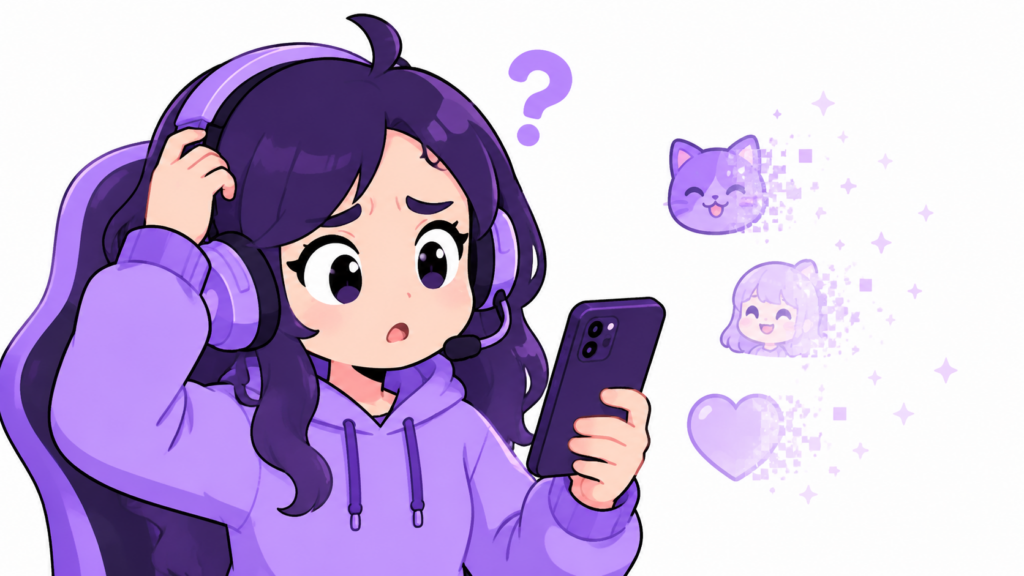
If you opened Twitch chat today and your “frequently used” emote row looks empty or completely different from yesterday, you’re not imagining it. This is one of the most common things streamers and viewers search for, and the cause is almost always boring and fixable.
The Short Answer
Twitch’s “frequently used” emote tray is calculated locally by your browser or app, not stored permanently on Twitch’s servers. Clearing your cache, updating the app, switching devices, or even a routine Twitch client update can reset that calculation — making your favorite emotes vanish from the quick-access row even though they still exist and work exactly the same in chat.
The Most Common Causes
1. Cache Was Cleared (Browser or App)
Your “frequently used” list is built from local usage data. If you cleared your browser cache, reinstalled the Twitch app, or your phone auto-cleared storage, that usage history resets to zero. Twitch starts rebuilding the list from scratch based on what you use going forward.
2. A Twitch App or Client Update
Twitch pushes frequent updates to both the desktop app and mobile app. Some updates reset local preference data, including emote usage tracking, as part of how the update installs. This is the single most common trigger reported by users right after an update notification appears.
3. Logged Out and Back In
Switching accounts, logging out, or having your session expire can reset locally-cached preferences, including which emotes show up first in your picker.
4. Browser Extensions Like BetterTTV or 7TV Reset
If you use BetterTTV or 7TV for extra emotes, their own usage tracking is separate from Twitch’s native one. An extension update, a disabled extension, or clearing extension storage can wipe that separate frequently-used list too.
How to Fix It
There’s no “restore” button, unfortunately — the frequently used list rebuilds itself naturally the more you use emotes again. A few things speed that up:
- Use your most common emotes a few times in chat; the tray repopulates within a handful of messages
- Check that you’re logged into the correct account (easy to miss after a session reset)
- If you use BetterTTV/7TV, check their extension settings — sometimes there’s a separate “favorites” or “frequently used” toggle that got reset independently
- Make sure your Twitch app is fully updated; a half-updated client sometimes shows a stale or empty tray until you restart it
The Emotes Themselves Are Safe
Important: this issue only affects the display order of your quick-access tray. None of your subscriptions, owned emotes, or channel emotes are deleted or lost. Everything still works in chat exactly as before — it’s purely a local display quirk, not a Twitch account issue.
Building or refreshing your own emote set? While you’re untangling chat settings, it’s also a good moment to upgrade your emotes themselves. Our premade emote packs come with every required Twitch size included — no resizing, no waiting on approval, ready to upload in minutes.
Frequently Asked Questions
Will my frequently used emotes come back automatically?
Yes. The tray rebuilds itself based on what you actually type in chat. Most users see it back to normal within a day of regular use, sometimes faster.
Does this affect my Bits, subscriptions, or owned emotes?
No. This only affects the display order in your emote picker. All emotes you have access to remain fully available — you just may need to scroll or search for them instead of seeing them in the quick row.
Why does this happen right after a Twitch update?
Twitch updates sometimes refresh local app data as part of the install process. Usage-tracking data for the emote picker is stored locally rather than synced to your account, so it’s one of the first things to reset.

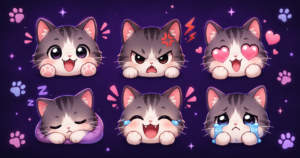
UncommonUnearthings is a premium stream asset shop with 1,600+ Etsy sales and a 4.9★ rating. We create cute, dark cute, and horror-inspired emotes, sub badges, channel points, and stream overlays for Twitch, Discord, YouTube, and Kick. All products are instant digital downloads with transparent PNG files in all sizes. Browse our collection →