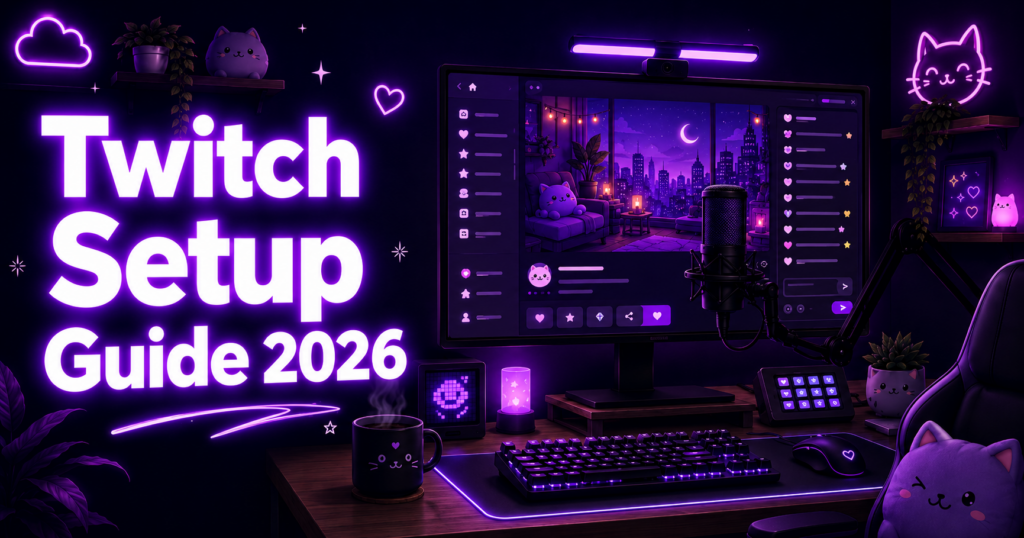
Whether you just hit Affiliate, finally crossed Partner, or you’re a brand new streamer staring at an empty channel dashboard — this guide covers the visual setup that makes a Twitch channel actually feel like a brand.
Setting Up Your Twitch Profile
Your profile is the first impression every potential follower sees. Open Creator Dashboard > Settings > Channel and fill out every field. The basics are obvious — avatar (256×256 PNG), banner (1200×480), bio with 300 characters max — but the panels below your stream are where most streamers fumble.
Add 4-6 panels with custom 320×100 PNG headers. Common ones: About, Schedule, Socials, Donations, Sub Perks, and Discord. Use the same color palette across every panel so the page reads as one brand. Keep text short — viewers skim. If you have a unified visual style, your channel looks intentional rather than thrown together.
Don’t skip the Stream Schedule. Twitch shows it in the directory and notifies your followers automatically when you go live during scheduled times.
Adding Custom Emotes to Your Channel
Emotes are how viewers actually use your channel in chat. As soon as you hit Affiliate, you unlock one emote slot, and you earn more as you gain subscribers. Twitch requires emotes in three sizes: 28×28, 56×56, and 112×112 pixels, all PNG with transparent backgrounds, under 1MB each.
Most streamers underestimate how hard it is to design something readable at 28×28. Detail disappears at chat size — what looks great in your design file becomes a blob. Test before uploading: try our free Twitch Emote Size Checker to preview your design at every platform size instantly.
To upload: Creator Dashboard > Viewer Rewards > Emotes. Drop the 112×112 file and Twitch auto-generates the smaller sizes — but auto-resize usually looks worse than designing each size manually. If you want emotes that read clearly at all sizes without the resizing headache, our Twitch emote packs come with every size pre-built.
Configuring Sub Badges
Sub badges show next to subscribers’ names in chat — small recognition that drives loyalty. Twitch uses a tier progression system: 1, 2, 3, 6, 9, 12, 18, and 24 months. Each milestone needs its own badge in three sizes: 18×18, 36×36, and 72×72 pixels, PNG transparent, under 25KB each.
The progression matters. Most successful channels use a clear visual evolution — a flame that grows brighter, a crown that gains gems, a character that levels up. Viewers screenshot their badges. Make them feel earned.
Upload via Creator Dashboard > Viewer Rewards > Subscriber Badges. Pre-designed sub badge sets with consistent progression art save weeks of design work — and they all hit Twitch’s spec on the first upload.
Channel Points — Custom Icons & Rewards
Channel points are Twitch’s built-in loyalty system. Viewers earn points just by watching, and they spend those points on rewards you define. The default purple ◆ icon works, but a custom icon (28×28 PNG) instantly makes your channel feel polished.
Beyond the channel-wide icon, every individual reward can have its own icon (28×28). This is where streamers go wild — “Hydrate Reminder” with a water bottle, “VIP for a Day” with a crown, “Skip a Song” with a music note. Custom icons turn a list of rewards into a visual menu viewers actually engage with.
Need ideas? Our channel point icon packs ship with 15-30 themed icons covering the most common rewards. Set them up under Creator Dashboard > Viewer Rewards > Channel Points > Manage Rewards.
Stream Overlays & Backgrounds
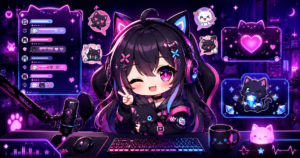
Your overlay is the visual frame around your stream. At minimum you need: webcam frame, chat box overlay, recent follower/sub alerts, and a “Starting Soon / Be Right Back / Ending” scene set. In 2026 the trend is animated overlays — subtle particle effects, glowing borders, smooth scene transitions — but a clean static overlay still beats a cluttered animated one.
OBS Studio is the standard. Add each overlay layer as a Browser Source (for animated) or Image Source (for static PNG). Set canvas to 1920×1080. Keep the playable area free — viewers want to see your gameplay, not your art.
Premade Twitch stream overlays save 10-20 hours of design and Photoshop work, and they’re already optimized for OBS layer setup.
Premade vs Custom — What Should You Buy?
Custom commission art runs $200-800+ for a full emote set, $300-1000 for sub badges, $500-2000 for a full overlay package. Turnaround is 2-6 weeks. Quality varies wildly with the artist.
Premade packs run €3-25 per item, instant download, ready to upload. The tradeoff: thousands of other streamers might have similar designs. For starting streamers, premade is the smart play — get your channel looking professional now, swap to custom later when revenue justifies it.
Mix & match works well: premade overlay + custom emote pack, or premade emotes + commissioned channel branding. Browse our complete digital asset catalog to start.
2026 Update: Monetization for All
Twitch announced “Monetization for All” — opening sub, bits, and ad revenue eligibility to creators previously locked out by the Affiliate/Partner gates. The exact rollout timeline keeps shifting, but the direction is clear: more streamers will be able to monetize sooner. Read our breakdown of what Monetization for All means for new streamers for current eligibility and tactics.
The implication for setup: get your branded emotes, badges, and channel points ready before you cross the monetization threshold. Going live with a fully-styled channel on day one of monetization beats scrambling for assets after.
Ready to launch your channel?
Browse complete emote packs, sub badges, channel point icons, and overlays — designed for streamers, ready to upload.
Streamers following a full channel setup guide like this tend to complete emote and badge setup within the same week as Affiliate status — emotes go up faster than badges, since badges require multiple sub tiers to be useful.

UncommonUnearthings is a premium stream asset shop with 1,600+ Etsy sales and a 4.9★ rating. We create cute, dark cute, and horror-inspired emotes, sub badges, channel points, and stream overlays for Twitch, Discord, YouTube, and Kick. All products are instant digital downloads with transparent PNG files in all sizes. Browse our collection →