Best Animated GIF Emotes for Discord in 2026
TL;DR – Key Takeaways
- Animated GIF emotes add personality to Discord servers and boost engagement with members
- Discord supports emotes up to 256x256px, and animated versions require file sizes under 256KB
- Quality animated emotes combine smooth animation loops, clear design, and server-appropriate themes
- Professional asset shops like UncommonUnearthings offer pre-made animated emote packs that save time and maintain visual consistency
Discord emotes have become the universal language of online communities. If you're running a server, streaming channel, or just want to make your space more fun, animated GIF emotes are non-negotiable. They're the tiny details that make your Discord feel alive, expressive, and uniquely yours.
In this guide, I'll walk you through everything you need to know about animated GIF emotes for Discord—from the technical specs to where to find the best ones for your community.
What Makes Animated GIF Emotes Different From Static Ones?
Static emotes are fine, but animated ones? They're the difference between a quiet room and a party. Animated GIF emotes loop continuously and grab attention in chat, making reactions feel more dynamic and expressive.
The biggest difference is file size and technical requirements. Static emotes can be simpler designs, while animated ones need to loop smoothly without stuttering. When you use animated emotes on your Discord server, members see that extra effort you put in. It signals professionalism and care about the community experience.
Animated emotes also give you more storytelling potential. A bouncing heart, spinning sparkles, or waving hand can convey emotion better than a still image. For streamers especially, these micro-interactions keep chat engaged during downtime.
What Are the Technical Specifications for Discord Animated Emotes?
Before you grab any animated emote, you need to know Discord's exact requirements—getting this wrong means your emote won't upload or will look terrible.
Size Requirements:
- Maximum dimensions: 256×256 pixels
- Minimum dimensions: 32×32 pixels (though 64×64 is ideal for clarity)
- Recommended size: 128x128px to 256x256px for best quality on all devices
- File format: PNG, GIF, or WEBP for animated versions
- File size limit: 256KB for animated emotes (GIF or WEBP)
Discord's emote system supports two types of animated formats: GIF and WEBP. WEBP files are smaller, which means faster loading and more animations per server. However, GIF is more universally compatible and easier to create.
Pro tip: If your animated emote is over 256KB, compress it using free tools like ezgif.com before uploading. This maintains quality while staying within limits.
Where Can You Find High-Quality Animated Emotes?
Creating animated emotes from scratch requires design skills, animation software, and time. Fortunately, you don't have to start from zero.
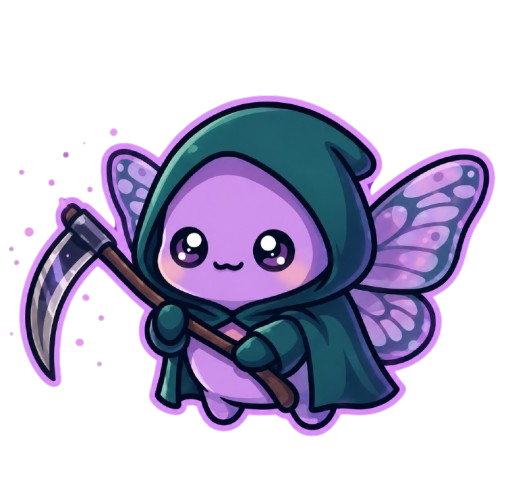
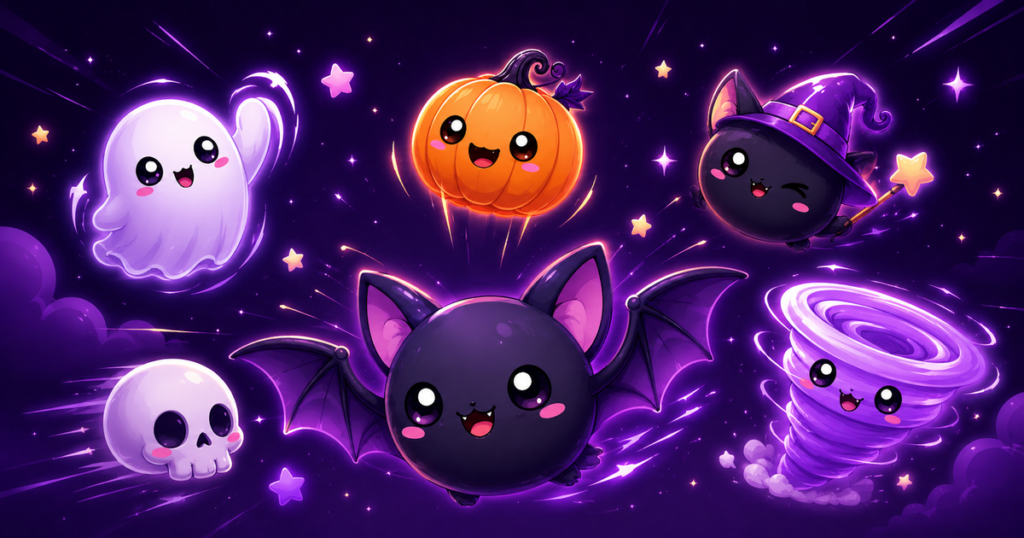
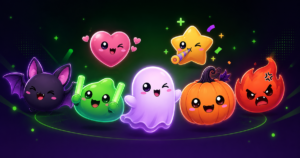
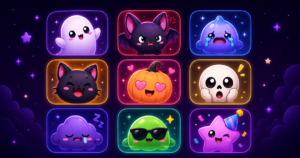
Professional asset shops are your best bet for quality, consistency, and reliability. Platforms like UncommonUnearthings specialize in animated emotes, gif emotes, and complete emote packs tailored for different server vibes. You'll find kawaii emotes, spooky themes, gaming aesthetics, and more.
Other options include:
- Fiverr/Upwork: Custom commissions if you want something unique (higher cost, longer turnaround)
- Emote databases: Sites like BetterTTV and FrankerFaceZ (though these are mainly Twitch-focused)
- Discord bot shops: Some Discord bots offer emote packs as part of their features
The advantage of a dedicated shop? You get multiple emotes that actually work together visually, saving you from the mismatched aesthetic trap.
How Do You Install Animated Emotes on Your Discord Server?
Once you've selected your emotes, uploading them is straightforward. Here's the step-by-step process:
- Open your Discord server settings and navigate to "Emoji" in the left sidebar
- Click "Upload Emoji" button (you'll need server admin permissions)
- Select your animated GIF or WEBP file from your computer
- Name the emote (use lowercase, no spaces, use underscores or hyphens instead)
- Click "Upload" and confirm
- Test it in chat by typing `:emote_name:` to verify animation plays smoothly
Important: Discord only lets you upload animated emotes if your server has Nitro boost level 2 or higher. Standard servers can have static emotes only. This is why many creators invest in server boosts—it unlocks the animated emote feature and shows members you care about the details.
What Styles of Animated Emotes Work Best for Different Server Types?
Not all emotes fit every server vibe. A gaming community needs different energy than a art-focused server.
For Gaming Servers: Look for action-oriented emotes—swords, explosions, victory poses. Kawaii emotes work if your game community skews toward cozy vibes or indie games.
For Creative Communities: Artistic, minimalist designs with smooth animations. Palettes that complement rather than clash with your server banner.
For Streaming Channels: Reaction-focused emotes. Think laughing faces, hearts, poggers-style animations. These get heavy use in chat during streams.
For Chill/Social Servers: Wholesome themes work best. Waving characters, happy expressions, seasonal variations.
When shopping for animated emotes—whether from UncommonUnearthings or elsewhere—check if they offer thematic packs. Buying emotes that coordinate visually prevents your server from looking chaotic.
Can You Use Animated Emotes Across Multiple Discord Servers?
This is a common question, and the answer has a catch. Animated emotes you upload are tied to that specific server. You can't share them between servers you own unless you upload copies to each one.
However, if you use Discord Nitro (the user subscription), you can use animated emotes anywhere as custom reactions, even servers where they aren't uploaded. This is a major perk for Nitro users.
So your strategy matters: If you run multiple servers, either invest in Nitro or budget time to upload your emote sets to each community.
How Do You Ensure Your Animated Emotes Loop Smoothly Without Stuttering?
Nothing kills the vibe faster than a jerky, stuttering animation. Smooth loops require attention to detail during creation or selection.
When choosing pre-made animated emotes, always preview them before purchasing. Check:
- Frame count (more frames = smoother, but larger file)
- Frame duration (each frame should be 50-100ms for natural speed)
- Loop seamlessness (does the last frame transition cleanly to the first?)
If you're commissioning custom emotes, ask the artist for a preview GIF at full speed before paying. Reputable shops like UncommonUnearthings test all animated emotes before shipping them to ensure they perform perfectly on Discord.
What's the Cost of Getting Quality Animated Emotes?
Budget depends on your approach:
- Pre-made packs from asset shops: $5–$25 for 10-20 emotes (best value)
- Custom commissions: $50–$300+ depending on artist experience and complexity
- DIY with software: Free if you already know animation tools (Aseprite, Photoshop), but time investment is real
For most streamers and community managers, pre-made emote packs are the sweet spot. You get professional quality, cohesive design, and instant deployment without weeks of waiting.
FAQ: Common Questions About Animated Discord Emotes
Q: Can I use emotes I find online for free?
A: Technically yes, but always check the license. Some artists share emotes freely, others require attribution or don't allow reuse. Purchasing from legitimate shops protects you legally and supports creators.
Q: Do animated emotes slow down Discord?
A: No. Discord optimizes emote loading, and animated GIFs under 256KB have minimal performance impact. Even with hundreds of animated emotes, your Discord runs smoothly.
Q: How many animated emotes can my server have?
A: It depends on your Nitro boost level. Unboosted servers get 0 animated emotes. Level 2 boosts unlock up to 150 total emotes (mix of static and animated). Level 3 increases this further.
Q: What's the difference between GIF and WEBP animated emotes?
A: WEBP files are smaller and load faster, but GIF is more compatible across systems. For Discord, either works—choose based on your file size constraints. WEBP is ideal for larger animation counts.
Final Thoughts: Make Your Discord Stand Out
Animated GIF emotes are the easiest way to transform a generic Discord server into a vibrant community space. They cost less than a coffee, take minutes to install, and create lasting impressions on every member who visits.
Whether you're building a gaming hub, streaming community, or creative space, investing in quality animated emotes signals that you care. Visit UncommonUnearthings to explore pre-made animated emote packs, or use the knowledge above to source them elsewhere.
Your Discord—and your chat—will thank you.
UncommonUnearthings is a premium stream asset shop with 1,600+ Etsy sales and a 4.9★ rating. We create cute, dark cute, and horror-inspired emotes, sub badges, channel points, and stream overlays for Twitch, Discord, YouTube, and Kick. All products are instant digital downloads with transparent PNG files in all sizes. Browse our collection →