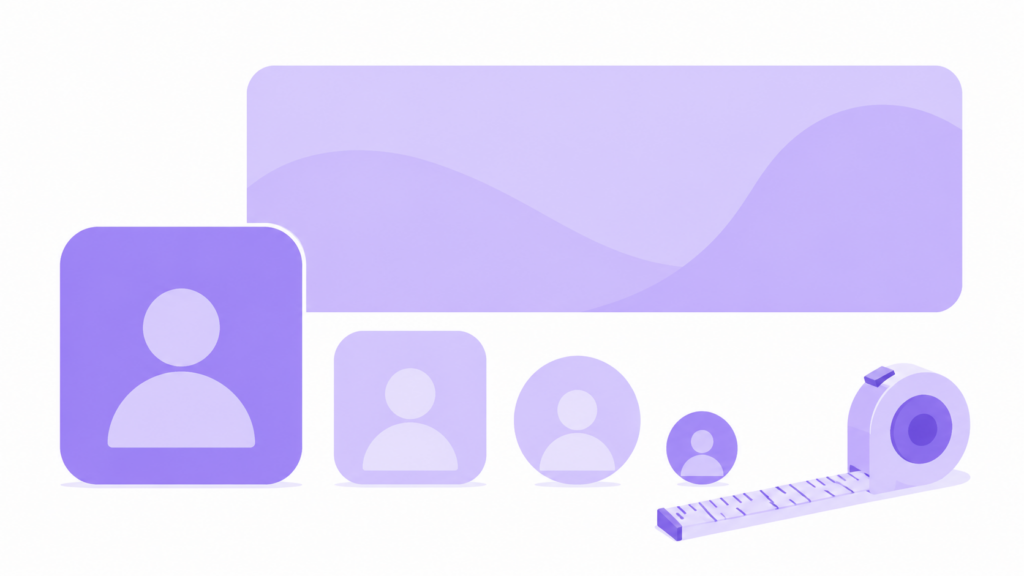
Getting graphic dimensions wrong is one of the most common reasons stream branding looks blurry, stretched, or cropped wrong on Twitch and Kick. This guide covers every size you actually need — panels, banners, profile pictures, and offline screens — in one place, with no guessing.
Twitch Profile Picture Size
Twitch profile pictures display as a circle, but you upload a square image.
| Spec | Recommended Size |
|---|---|
| Upload dimensions | 256 x 256 px (square) |
| File format | PNG, JPEG, or GIF |
| Max file size | 10 MB |
| Display shape | Cropped to a circle automatically |
Keep your main subject centered — anything near the corners gets cropped off by the circular mask.
Twitch Profile Banner Size
This is the wide image that appears across the top of your channel page.
| Spec | Recommended Size |
|---|---|
| Upload dimensions | 1200 x 480 px |
| Safe zone | Keep text/logos within the center 1000 x 380 px — edges can get cropped on different screen widths |
| File format | PNG or JPEG |
| Max file size | 10 MB |
Twitch Panel Size
Panels sit below your stream and “About” section. Twitch panels work a little differently than most graphics — width is fixed, height is flexible.
| Spec | Recommended Size |
|---|---|
| Width | 320 px (fixed — Twitch scales to fit this) |
| Height | Flexible, but 150–200 px keeps proportions clean for most panel content |
| File format | PNG, JPEG, or GIF |
| Max file size | 2.9 MB (GIFs), 10 MB (static) |
If your panel image looks stretched or squished, the most common cause is uploading something wider than 320px and letting Twitch’s auto-resize do the work — always export panels at exactly 320px wide for the cleanest result.
Kick Offline Banner Size
Kick uses a similar but not identical spec to Twitch for the offline screen.
| Spec | Recommended Size |
|---|---|
| Upload dimensions | 1920 x 1080 px (16:9) |
| File format | PNG or JPEG |
| Safe zone tip | Keep important text away from the bottom 15% — chat overlay UI sometimes sits there on mobile |
Quick Reference Table
| Asset | Dimensions | Format |
|---|---|---|
| Twitch Profile Picture | 256 x 256 px | PNG/JPEG/GIF |
| Twitch Profile Banner | 1200 x 480 px | PNG/JPEG |
| Twitch Panel | 320 px wide (flex height) | PNG/JPEG/GIF |
| Kick Offline Banner | 1920 x 1080 px | PNG/JPEG |
Not sure if your existing graphics fit? Use our free Emote Size Checker to preview any image at the exact dimensions Twitch and Discord expect, before you upload anything.
Frequently Asked Questions
What size should a Twitch profile picture be?
256 x 256 pixels, uploaded as a square — Twitch automatically crops it into a circle for display.
What is the correct Twitch panel size?
Panels should be exported at exactly 320 pixels wide. Height is flexible, but 150-200px keeps most panel designs proportional and readable.
Is the Kick banner size the same as Twitch?
No — Kick’s offline banner uses a standard 1920 x 1080 px (16:9) format, which differs from Twitch’s 1200 x 480 px profile banner spec.
Why does my panel image look blurry after uploading?
This usually means the source image was smaller than 320px wide and got stretched up by Twitch’s display, rather than being exported at the correct size to begin with.
UncommonUnearthings is a premium stream asset shop with 1,600+ Etsy sales and a 4.9★ rating. We create cute, dark cute, and horror-inspired emotes, sub badges, channel points, and stream overlays for Twitch, Discord, YouTube, and Kick. All products are instant digital downloads with transparent PNG files in all sizes. Browse our collection →